
 EN
EN
 Srpski
 Русский

13 programs.
One path through childhood.
From the first Lego robot at age 3.5 to a Python app at age 13. Each belt lasts one semester — with the same teachers, all the way through.
13 belts across 10 years of childhood.
Hover over a belt for details. Click to jump to the program.
Scroll horizontally if your screen isn't wide enough →
Slide to your child's age — we'll show the group.
Not sure? Send us your child's age — we'll suggest a group and book a free trial class. 📱 Ask on WhatsApp →
Legići — screen-free robotics
Our youngest group. We learn through movement, touch and story. The goal isn't to "learn programming" — it's to spark curiosity about how things work.
Legići — Little Explorers
3.5 – 4.5 years · 1 semester · up to 6 kids
First contact with logic through the Coding Express train, Cubelets blocks and the Tale-Bot Pro robot. No screens — hands-on, movement, focus.
Legići — Little Curious Minds
4 – 5 years · 1 semester · up to 6 kids
One step beyond the Little Explorers. We develop fine motor skills, the first algorithmic concepts through physical bricks, teamwork in pairs.
Legići — Little Know-It-Alls
3.5 – 5.5 years · 12 weeks · up to 6 kids
The third Legići stage. Sphero Indi and Matatalab robots — kids "program" a little robot's path for the first time by placing cards in a row. Magic.
Juniors — the first belts
Yellow, orange, green. This is where the word "algorithm" appears for the first time and the first block of code shows up on a screen. Slowly, for a reason.
Juniors — Yellow Belt
5.5 – 7.5 years · 1 semester · up to 6 kids
First encounter with Scratch Junior — a visual programming language where "commands" snap together like bricks. Lego Essential set for physical models.
Juniors — Orange Belt
6 – 7 years · 1 semester · up to 6 kids
Consolidating what they learned in Yellow. More construction, more logic, more independence — less guidance. The child slowly takes the initiative.
Juniors — Green Belt
6.5 – 7.5 years · 1 semester · up to 6 kids
The final belt of the Junior level. Team projects — two or three kids building and coding together. Focus on communication and creativity.
Main belts — real projects
Here's where technology kicks in for real. Scratch, Micro:bit, drones, Lego WeDo. Kids build games, animations, real robots they drive by remote.
Blue Belt
7 – 10 years · 1 semester · up to 6 kids
Transition from Scratch Junior to full Scratch. First interaction with hardware — Micro:bit board, drones, sensors. The first games kids make themselves and proudly show to parents.
Purple Belt
8 – 11 years · 1 semester · up to 6 kids
Deeper into Scratch — variables, events, clones. More work with Micro:bit: temperature sensors, accelerometer, radio communication. Projects that work "in the real world".
Red Belt
9.5 – 12 years · 1 semester · up to 6 kids
Games, music projects, animations with Lego WeDo 2.0 and Micro:bit. Motion and pose recognition (video detection in Scratch) — the first glimpse into the world of artificial intelligence.
Brown Belt
10 – 12 years · 1 semester · up to 6 kids
Make:code environment for Micro:bit — programs get "flashed" straight onto the board. Intro to AI concepts, first conversations about how machines actually "learn".
Black Belt — three days, three worlds
The most advanced level. The Black Belt is three parallel programs — AI, mobile apps, Python — and kids can take one, two, or all three. This is where the DigiKids journey ends.
Black Belt — AI & Robotics
11 – 13 years · 1 semester · up to 6 kids
Training models that recognize text, images, voice and motion. Integration into programs and robots. Practical, applied AI — no overload of theory, no "buzzword" approach.
Black Belt — App Inventor
11 – 13 years · 1 semester · up to 6 kids
The child's first ever mobile app. App Inventor — a visual environment where apps snap together like Scratch projects, but the result runs on a real Android phone.
Black Belt — Python
11 – 13 years · 1 semester · up to 6 kids
Python — the first "real" language you type, not stack. Step by step: variables, conditionals, loops, functions. Through interactive projects the child picks themselves (a game, calculator, little bot).
Concrete — no fine print.
✓ Included
- ~18 classes (one semester, once a week)
- 60 to 75 minutes per class (45 for the youngest)
- Maximum of six kids per group
- All equipment (Lego, robots, tablets, Micro:bit)
- All materials — no extra fees
- Instructor + assistant (when needed)
- Belt (certificate) at the end of the semester
- Photo album from open day
- Video and photos at the end of every semester
- Parent portal — track progress
- Access to Scratch and Make:code projects at home
✗ Not included
- Homework — intentionally none
- Parents don't have to help at home
- Extra payments during the semester
- Online module (all classes are in person)
- Recording/streaming of classes
Everything your child will touch at DigiKids
Carefully chosen world-class equipment — no demos, no toys, no fake robots. The same gear used by schools around the world.
Coding Express, Essential Set, WeDo 2.0
Visual programming from MIT
Hardware for the first electronics projects
Robots for preschoolers — screen-free
First mobile app
The most in-demand language of the 21st century
Microsoft platform for hardware
Programmed flight control
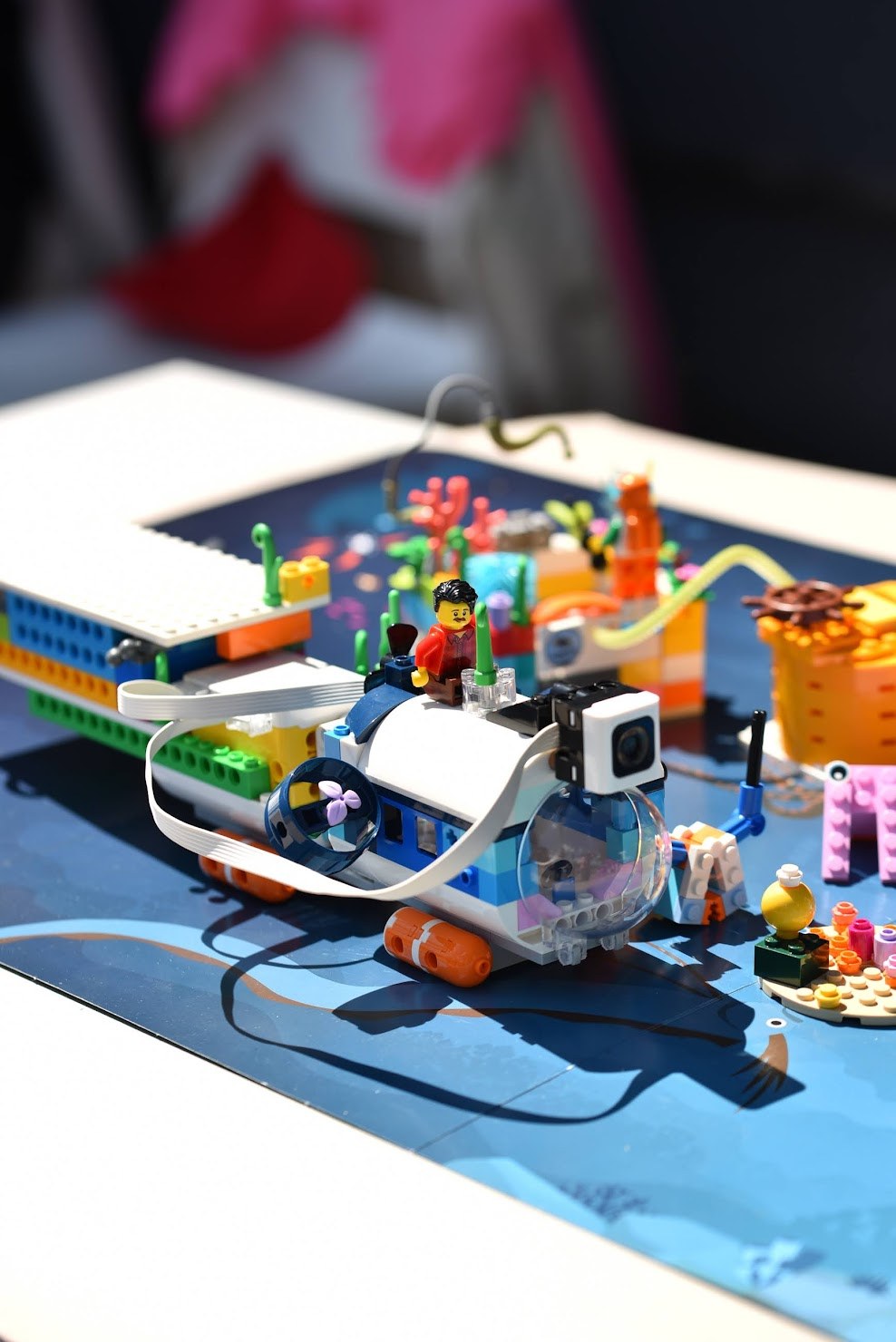
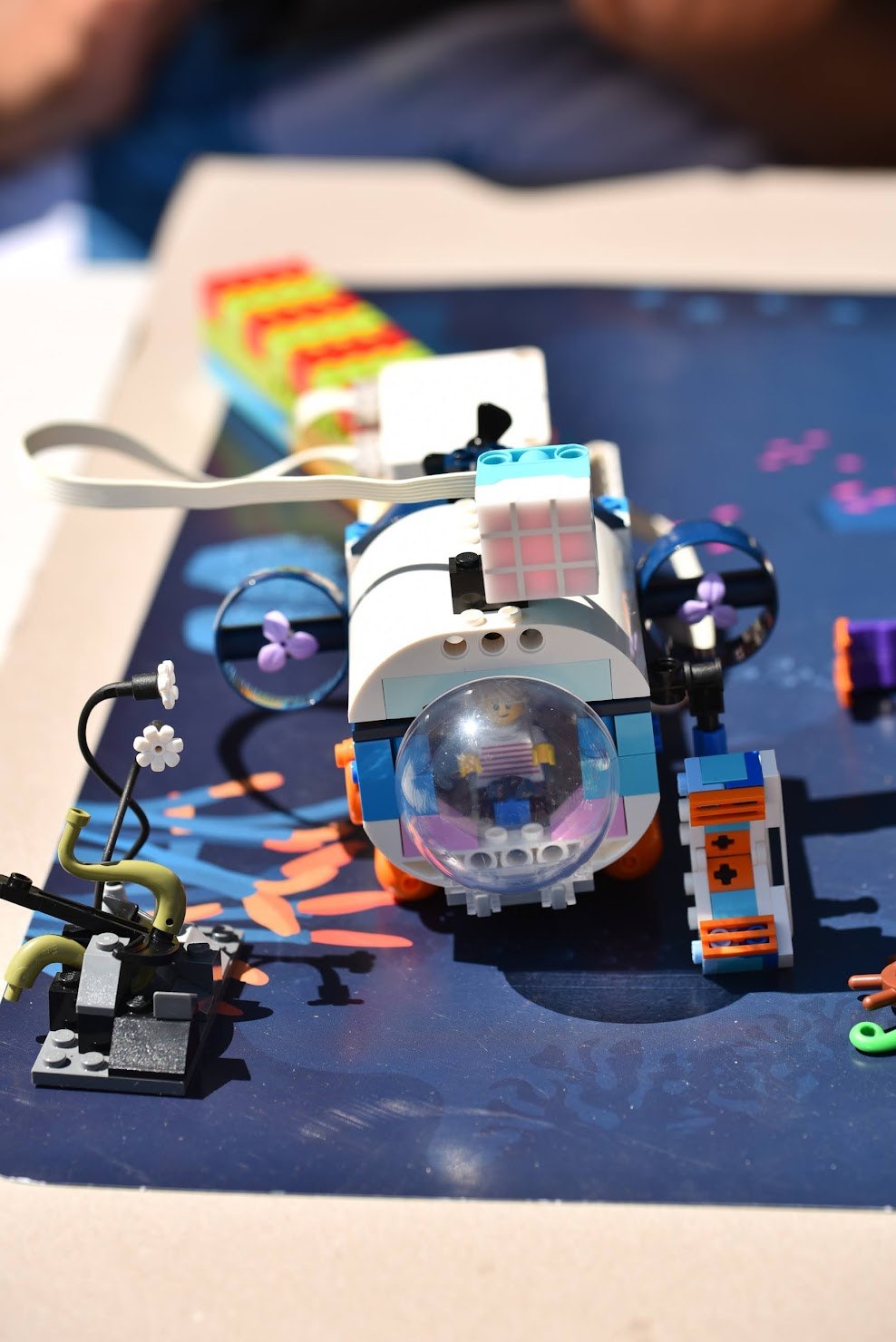
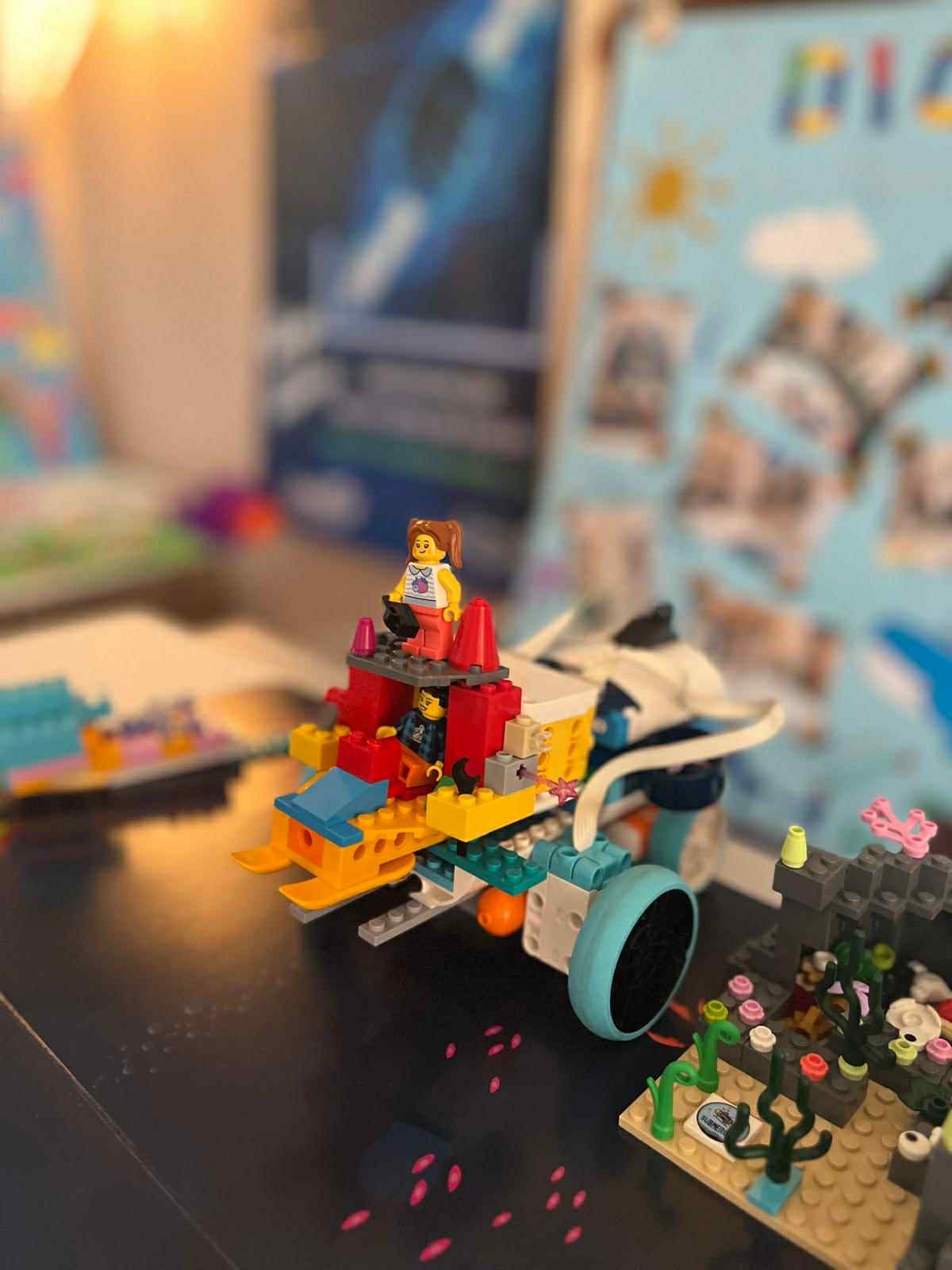
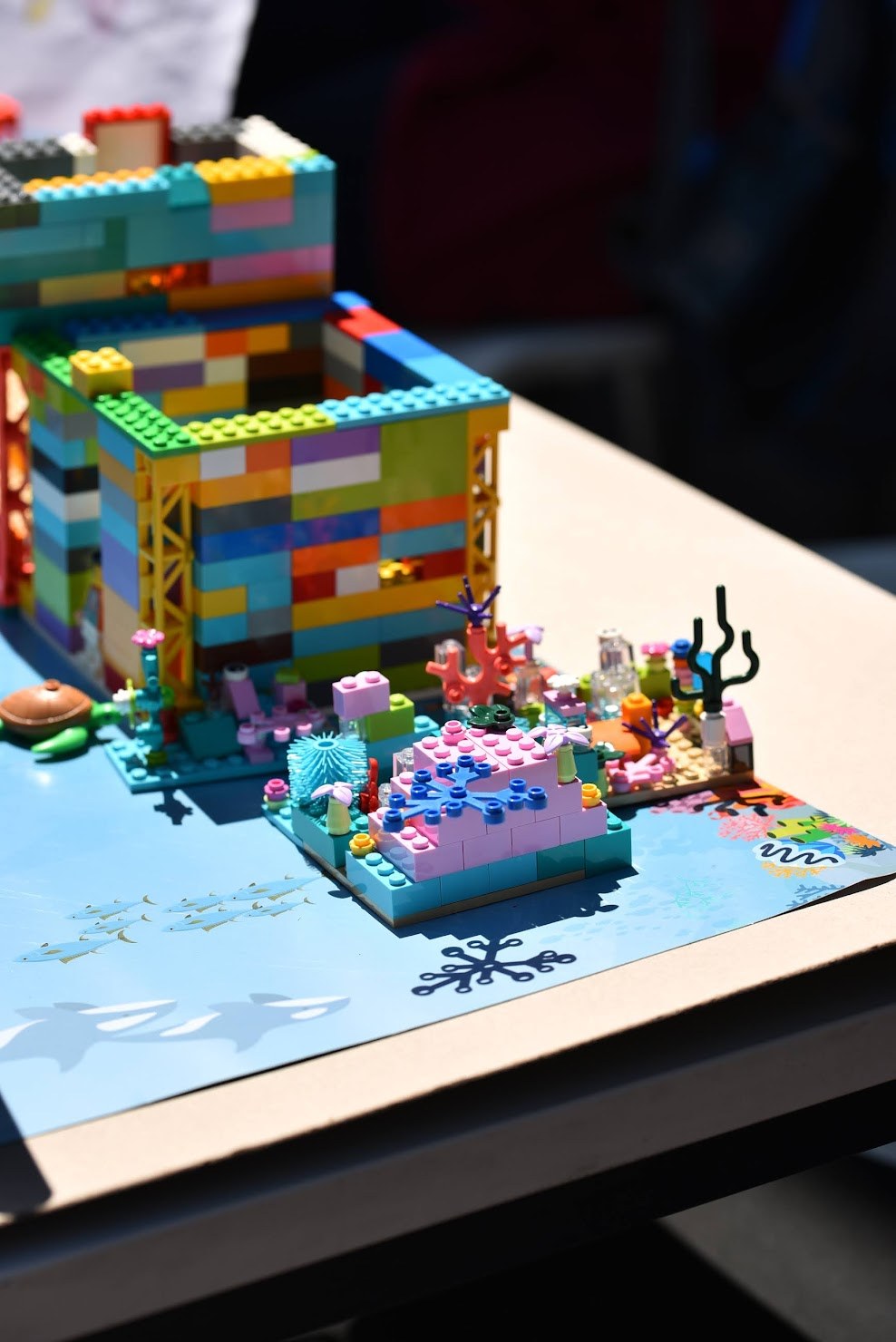
From last season — photos from the classroom.
These aren't "demo" projects — everything was built by our students themselves, in our classes.
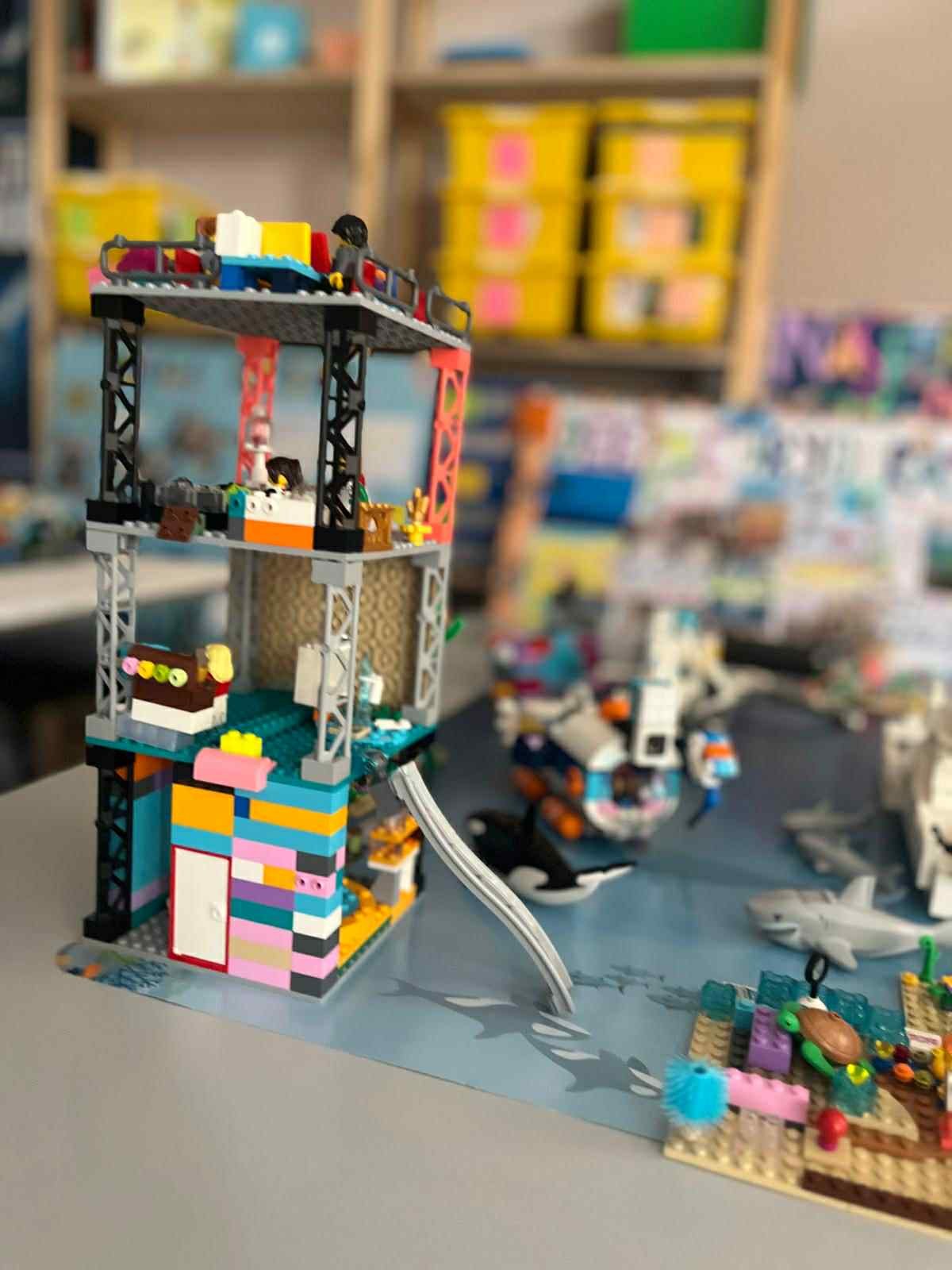
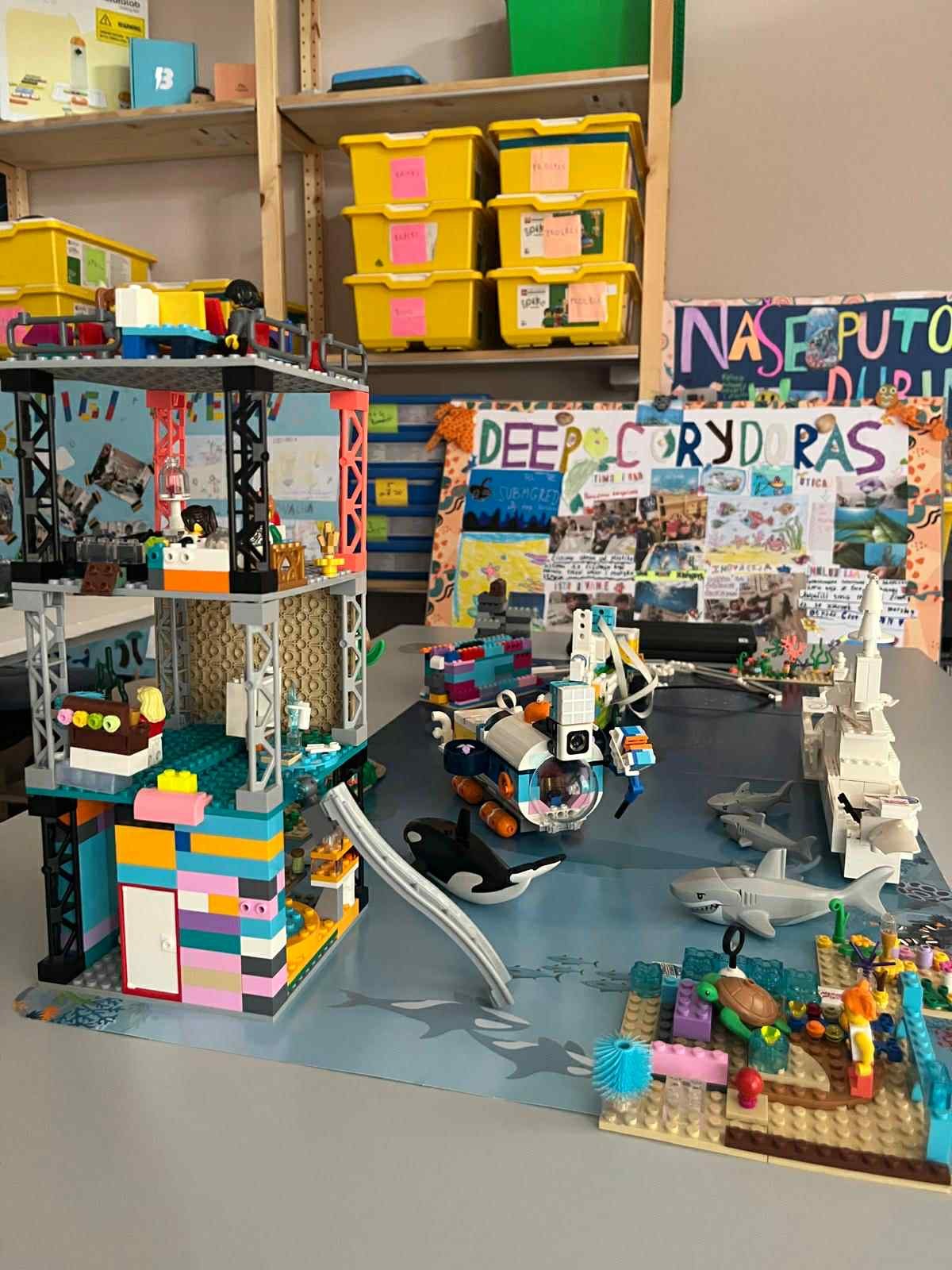
More photos from open days at @digikidsvracar.
Not sure which program suits your child?
Send us your child's age and a quick note — we'll recommend a group and schedule a free trial class. After the class we'll share an honest opinion. No obligation, no cost.